 ShopCraftly
How to export Etsy orders to Excel or CSV
Updated 2026-11-28 · ShopCraftly team
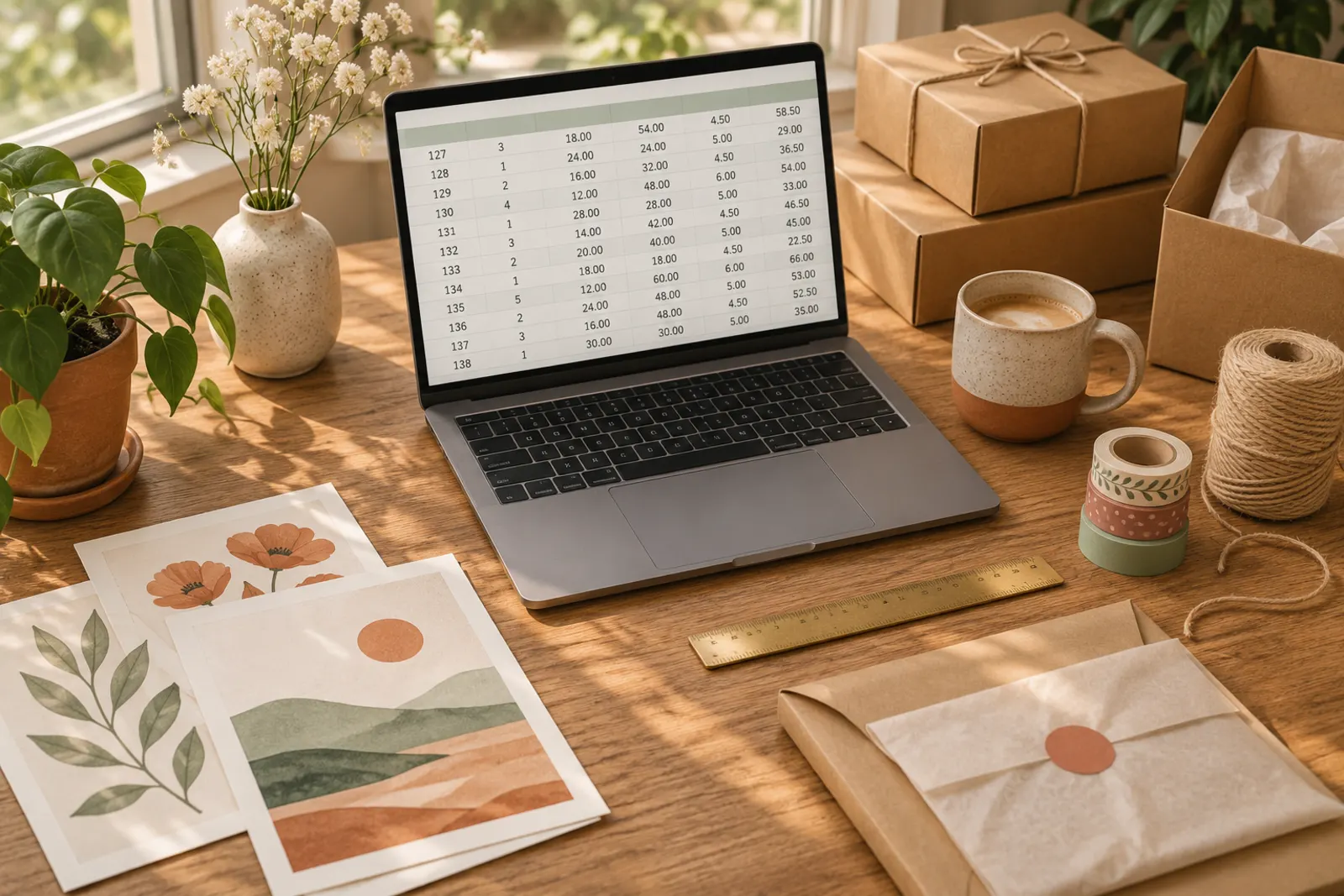
There are two ways to get your Etsy orders into a spreadsheet: Etsy's built-in CSV download, or a tool that reads your current orders. Here is how both work and when to use which.
Option 1: Etsy's built-in order CSV
- Open Shop Manager → Settings → Options → Download Data.
- Choose Orders, pick a month and year, and download.
- Open the file in Excel or Google Sheets.
The catch: Etsy prepares these files in the background, and sellers regularly report that the most recent one to two weeks of orders are missing. It is fine for last year's bookkeeping, not for today's packing list.
Option 2: Export today's orders with ShopCraftly
- Install the free ShopCraftly extension.
- Open Orders & Shipping in Shop Manager.
- Press Export orders in the corner and choose CSV or Excel.
You get one row per item (or per order), with variations, SKUs, coupons, shipping and totals — and the columns are remembered for next time.
Which columns should you export?
- Bookkeeping: order, date, subtotal, shipping, tax, discount, total, fees.
- Fulfilment: order, item, variation, quantity, buyer name and address (only when needed).
- Product research: item, SKU, quantity, date.